
Connect your tools
Pass the right event to your next tool
Use a Catch Hook or REST hook integration to connect WhatsApp events with your existing workflows.
ProAccount & setup requirements apply
A useful next step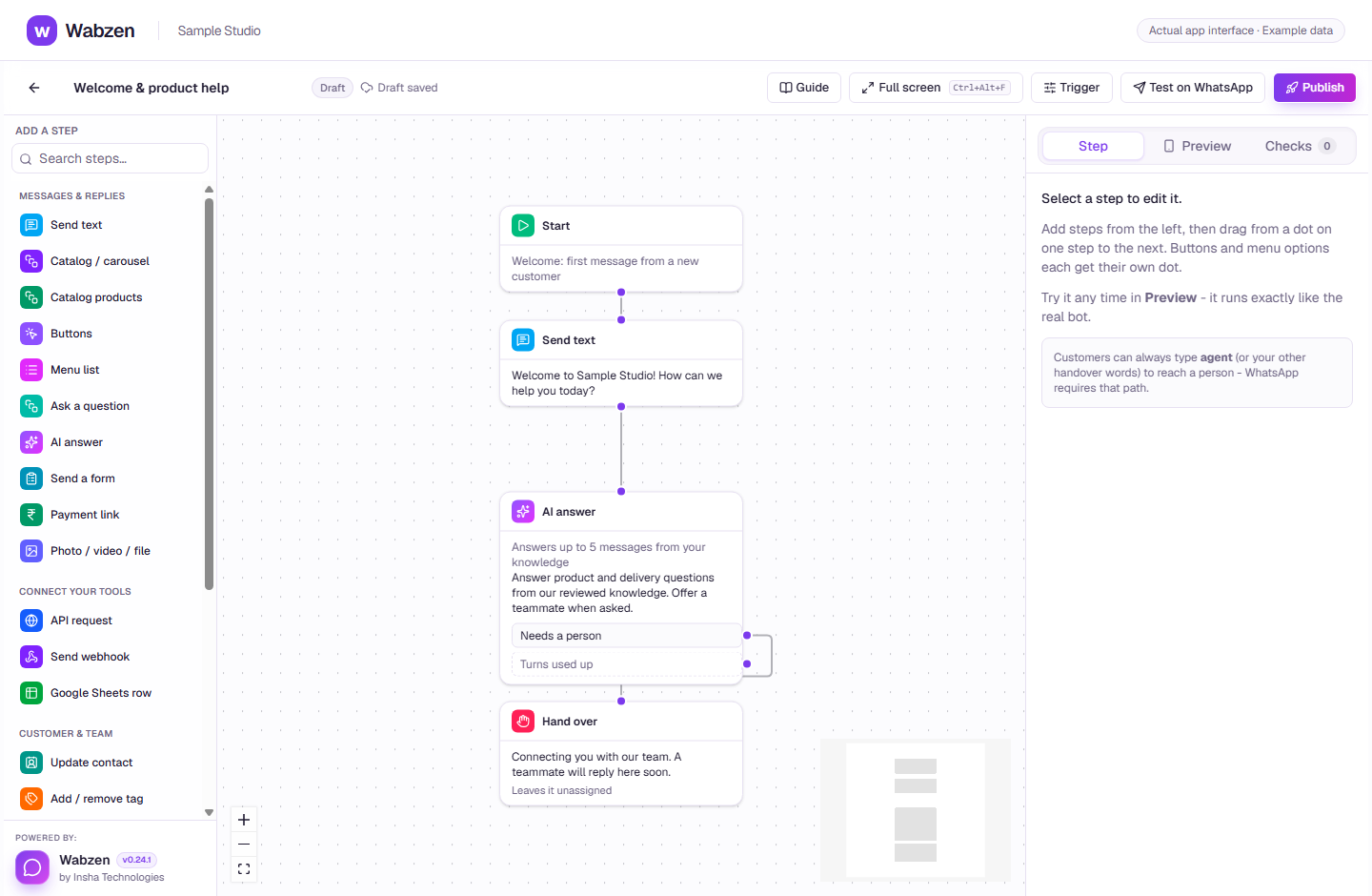
The visual builder where message, AI, form and integration steps connect. Actual app interface with example data. Explore the walkthrough
What your team can do
Receive supported events through signed client webhooks.
Use API-key authentication and REST hook subscriptions.
Connect custom endpoints from a chatbot.
How it works
A clear path from setup to action.
01
Choose your connection
Use Webhooks by Zapier or build a REST hook integration.
02
Connect the endpoint
Add the endpoint and required events in Developer.
03
Test the workflow
Verify the event shape, authorization and destination behavior.
Your questions
Good to know before you start.
Is this a native connector for every CRM?+
No. This is an API/webhook connection. Each third-party workflow needs configuration and any required third-party subscription.
Bring your next conversation here.
Start with your own WhatsApp Business account and a plan that fits your team.