Your WhatsApp workspace

Give customers the update they are waiting for.

Use approved templates and the message API for application-triggered order, account or service notifications.

StarterGrowthProAccount & setup requirements apply
A useful next step

What your team can do

Send a relevant approved template from your own application.
Map customer values and follow delivery status through supported events.
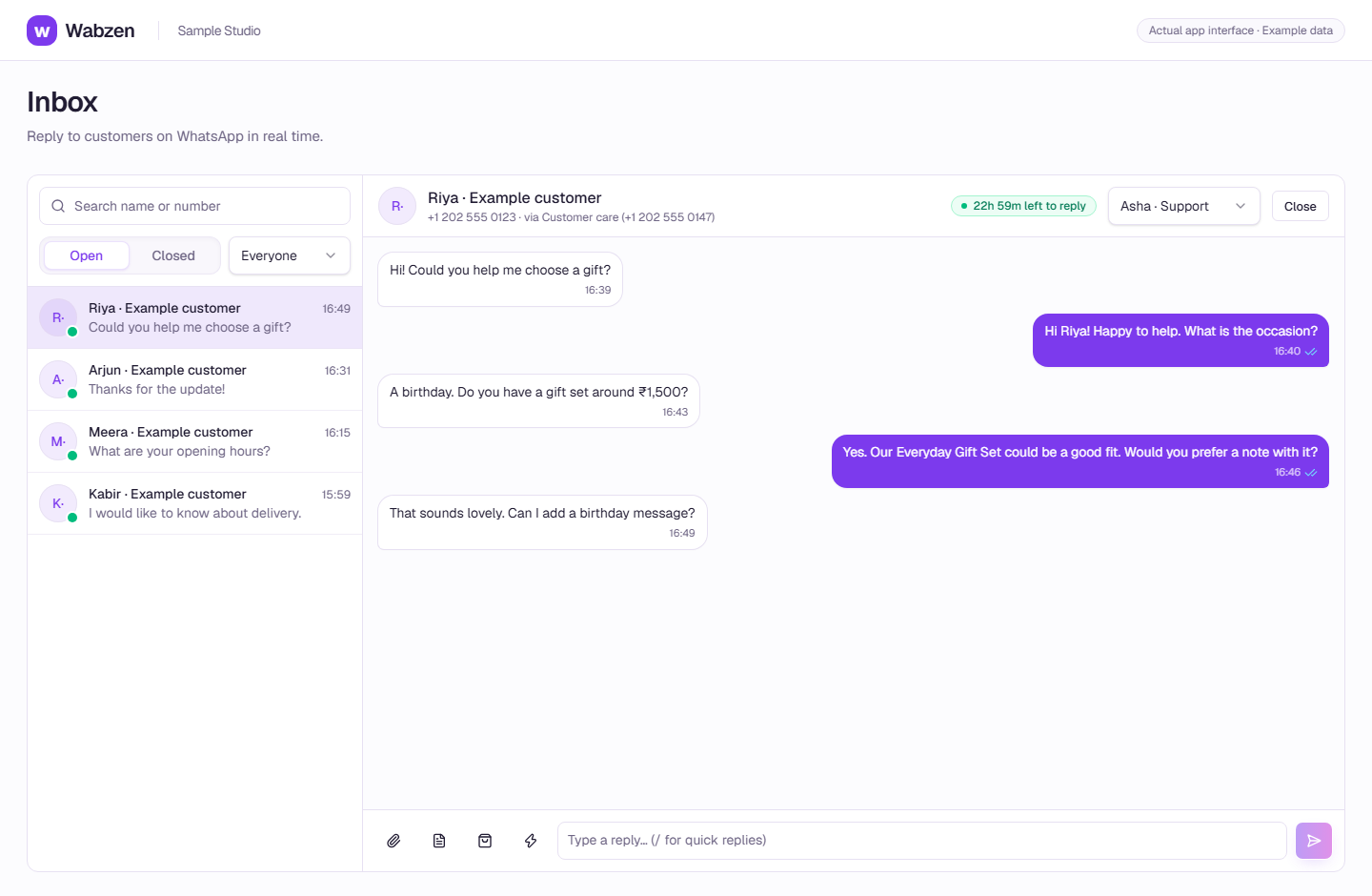
Connect replies to the shared inbox when the selected plan includes it.
Wabzen team inbox with an example product enquiry
The shared inbox where your team continues customer conversations. Actual app interface with example data. Explore the walkthrough
How it works

A clear path from setup to action.

01

Confirm the message and permission

Choose the appropriate template category, get approval and keep the required customer consent.

02

Connect your application

Create a scoped API key on an eligible plan and follow the public request examples.

03

Follow the outcome

Record the send result, receive status events where available and handle retries safely in your application.

Your questions

Good to know before you start.

Are store order notifications the same feature?+
Supported Shopify and WooCommerce notifications use the store integration and automation plan requirements. This page describes notifications sent from your own application through the API.
Does this include every CRM connector?+
No. The API is a building block for a custom integration; it does not establish a native connector for every system.

Bring your next conversation here.

Start with your own WhatsApp Business account and a plan that fits your team.

Get started