
Your WhatsApp workspace
Move from a product question to a payment
Share connected catalog products and request payment with a link from your own Razorpay account.
GrowthProAccount & setup requirements apply
A useful next step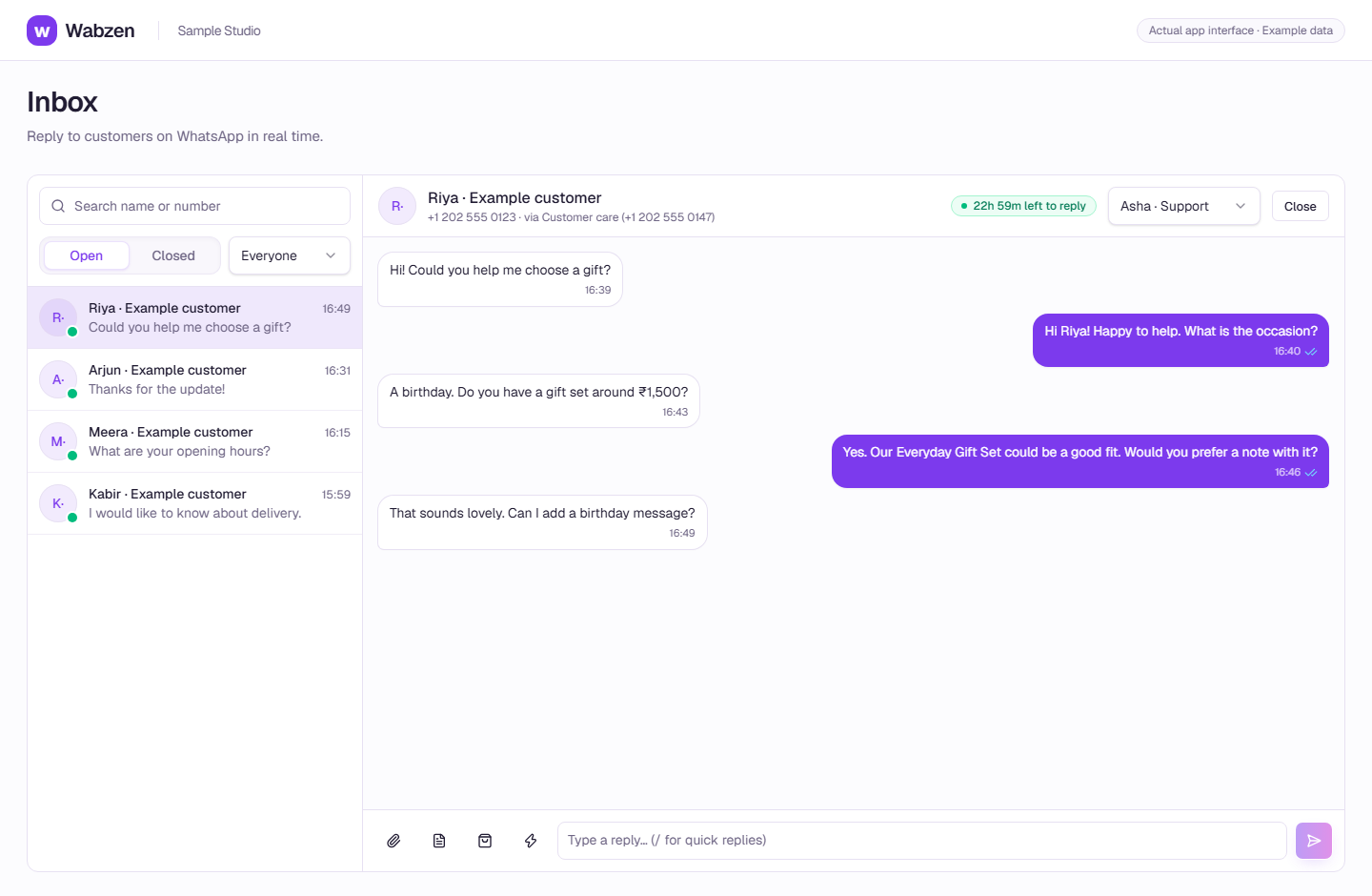
The shared inbox where your team continues customer conversations. Actual app interface with example data. Explore the walkthrough
What your team can do
Share products from the connected Meta catalog.
Create a payment request in the inbox or chatbot.
Continue a configured flow when payment is confirmed.
How it works
A clear path from setup to action.
01
Connect the essentials
Set up your Meta catalog and your own Razorpay account as needed.
02
Help the customer choose
Use eligible product messages or approved catalog/carousel templates.
03
Send a payment link
The customer pays through Razorpay; confirmation returns to the conversation.
Your questions
Good to know before you start.
Is this native WhatsApp Pay?+
Payment links use the business’s own Razorpay account. This is a payment-link integration, not a promise of native WhatsApp Pay.
Can I send a product message outside the reply window?+
Use an approved catalog/carousel template outside the customer reply window. Interactive product messages require an open window.
Bring your next conversation here.
Start with your own WhatsApp Business account and a plan that fits your team.