
Your WhatsApp workspace
Give every conversation a clear next step
Reply together, assign the right teammate and keep customer context in one shared inbox.
StarterGrowthProAccount & setup requirements apply
A useful next step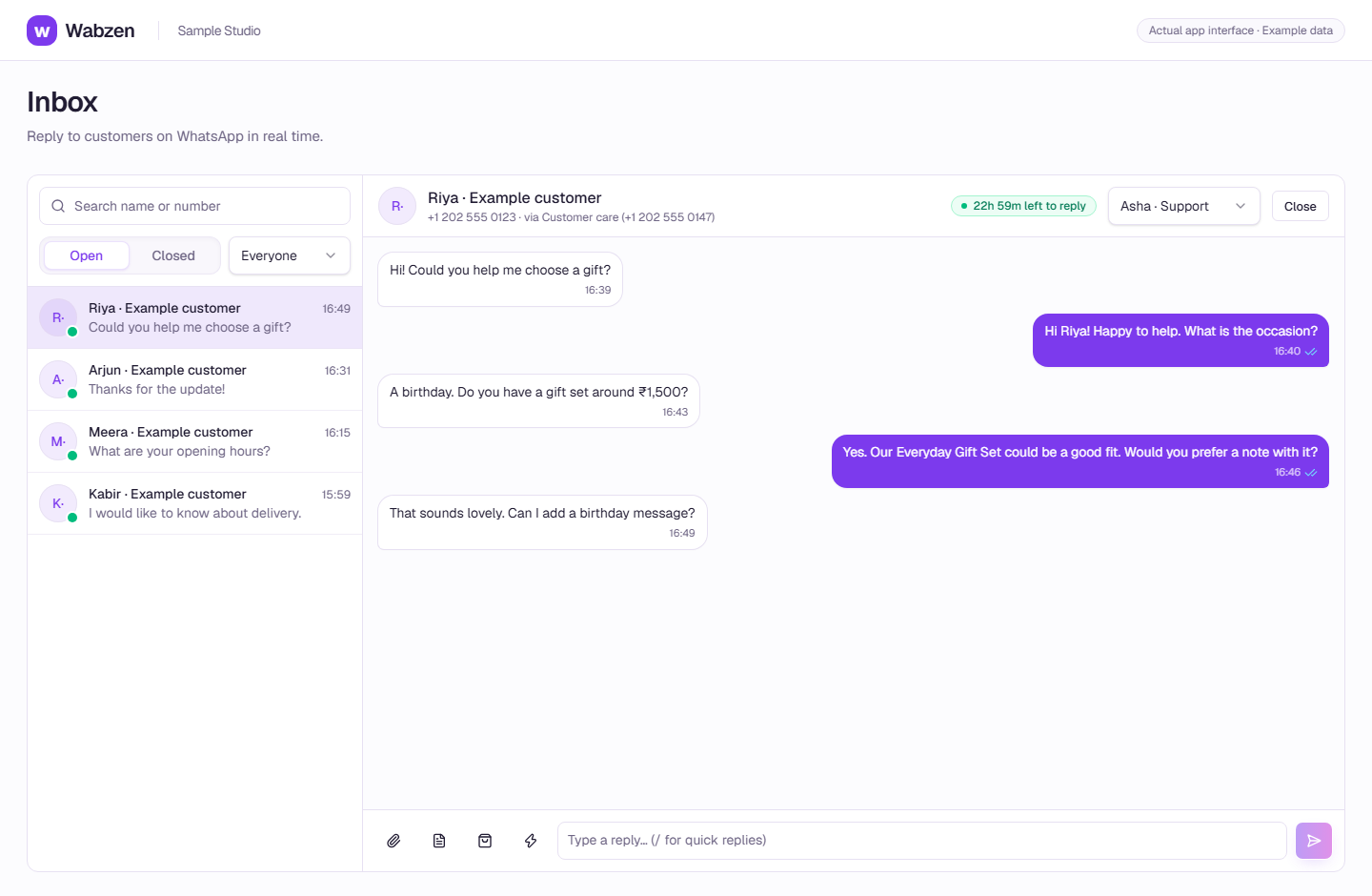
The shared inbox where your team continues customer conversations. Actual app interface with example data. Explore the walkthrough
What your team can do
Assign conversations and see who needs a reply.
Send media, quick replies and approved templates.
Keep customer details and message status beside the conversation.
How it works
A clear path from setup to action.
01
Connect your number
Use WhatsApp setup to connect a number owned by your business.
02
Bring in your team
Invite teammates and choose owner, admin or agent permissions.
03
Reply with context
Open the customer conversation, assign a teammate and follow delivery/read updates.
Your questions
Good to know before you start.
Can multiple teammates use the same number?+
Yes. Your teammates work in the shared inbox. The number and team allowances depend on your plan.
Can I message someone at any time?+
Free-form replies require an open customer reply window. Outside it, use an approved template and follow consent and account requirements.
Bring your next conversation here.
Start with your own WhatsApp Business account and a plan that fits your team.