Connect multiple numbers where your plan and Meta account allow.
Use eligible coexistence to keep the Business app alongside the workspace.
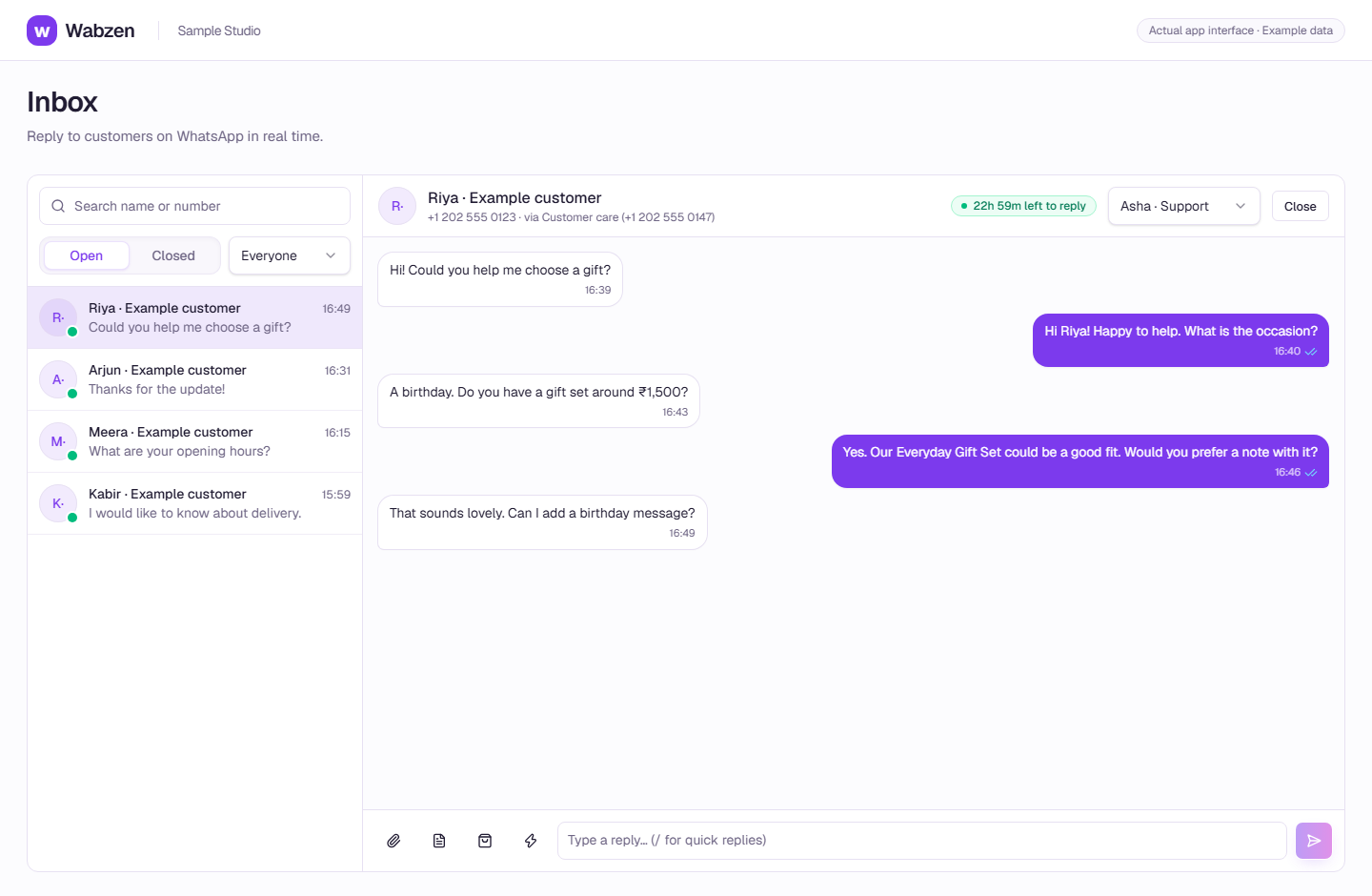
The shared inbox where your team continues customer conversations. Actual app interface with example data. Explore the walkthrough
How it works
A clear path from setup to action.
01
Prepare account access
Have the right Meta business and number access ready.
02
Connect through Meta
Choose the appropriate number setup, including coexistence where eligible.
03
Complete payment setup
Add a payment method in WhatsApp Manager before sending.
Your questions
Good to know before you start.
Does unlimited numbers mean unlimited client businesses?+
No. Number allowances apply within one workspace’s connected WhatsApp Business account, subject to Meta limits. Independent businesses need separate workspaces.
Is coexistence available to every number?+
Meta decides eligibility and import behavior. Check the connection screen for your account rather than assuming every number is eligible.
Bring your next conversation here.
Start with your own WhatsApp Business account and a plan that fits your team.