
Your WhatsApp workspace
Build the message before the moment arrives
Create approved messages with previews, examples and eligible catalog or carousel formats.
StarterGrowthProAccount & setup requirements apply
A useful next step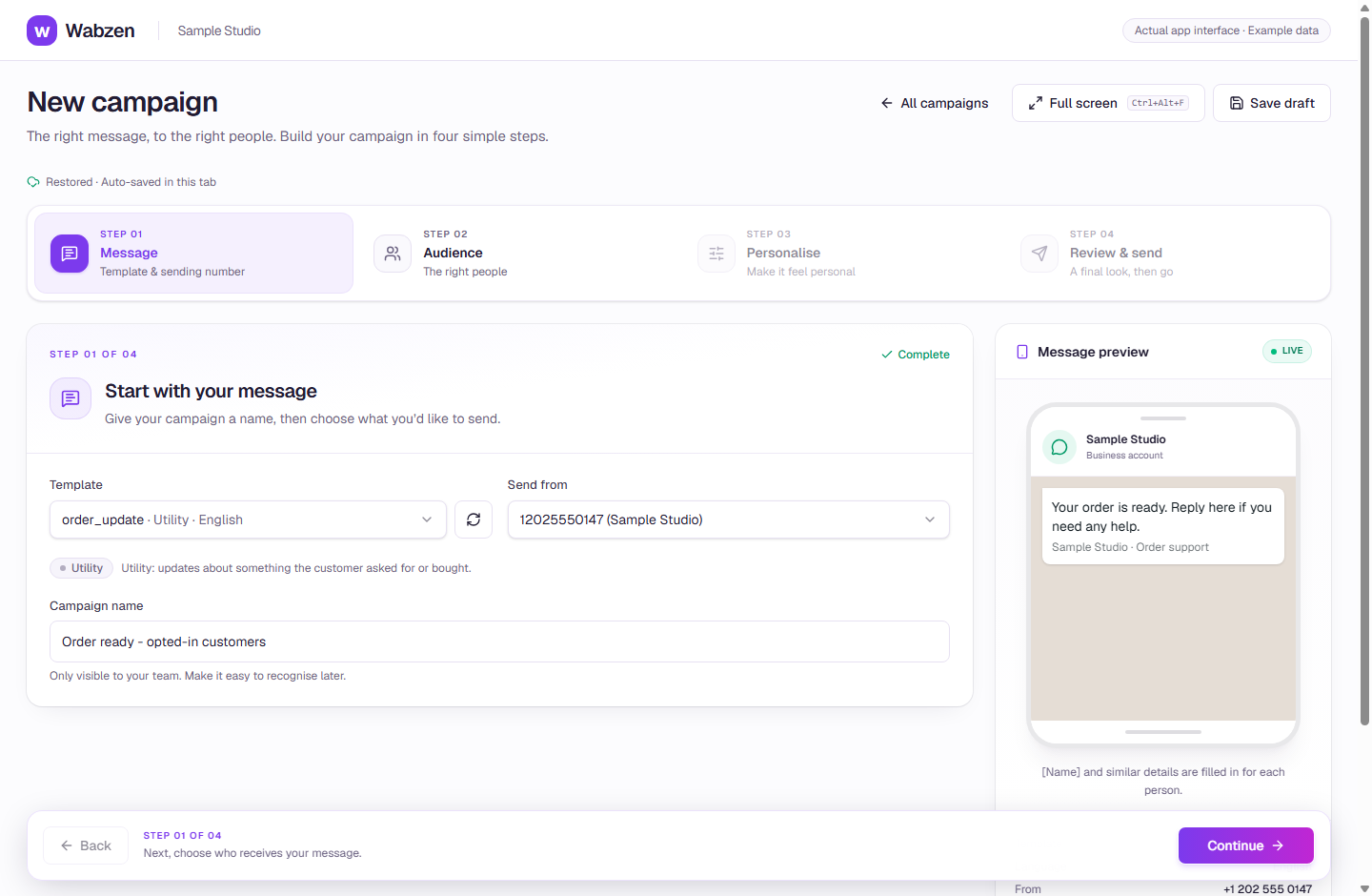
The campaign builder with an approved template and message preview. Actual app interface with example data. Explore the walkthrough
What your team can do
Start with a ready-made example and customize the content.
Preview the customer message before submission.
Follow Meta approval and the requirements for advanced formats.
How it works
A clear path from setup to action.
01
Choose a format
Start with a message, authentication or eligible rich format.
02
Add examples
Supply message values and required media samples for review.
03
Submit & follow status
Meta decides approval. Use an approved template in eligible campaigns, inbox or API sends.
Your questions
Good to know before you start.
Are all formats available on every account?+
No. Business verification, catalog setup, Marketing Messages enrollment and other eligibility can apply to specific formats.
Bring your next conversation here.
Start with your own WhatsApp Business account and a plan that fits your team.