
Your WhatsApp workspace
Keep the customer context, and the permission
Organize customer details, segment relevant audiences and keep consent connected to the contact.
StarterGrowthProAccount & setup requirements apply
A useful next step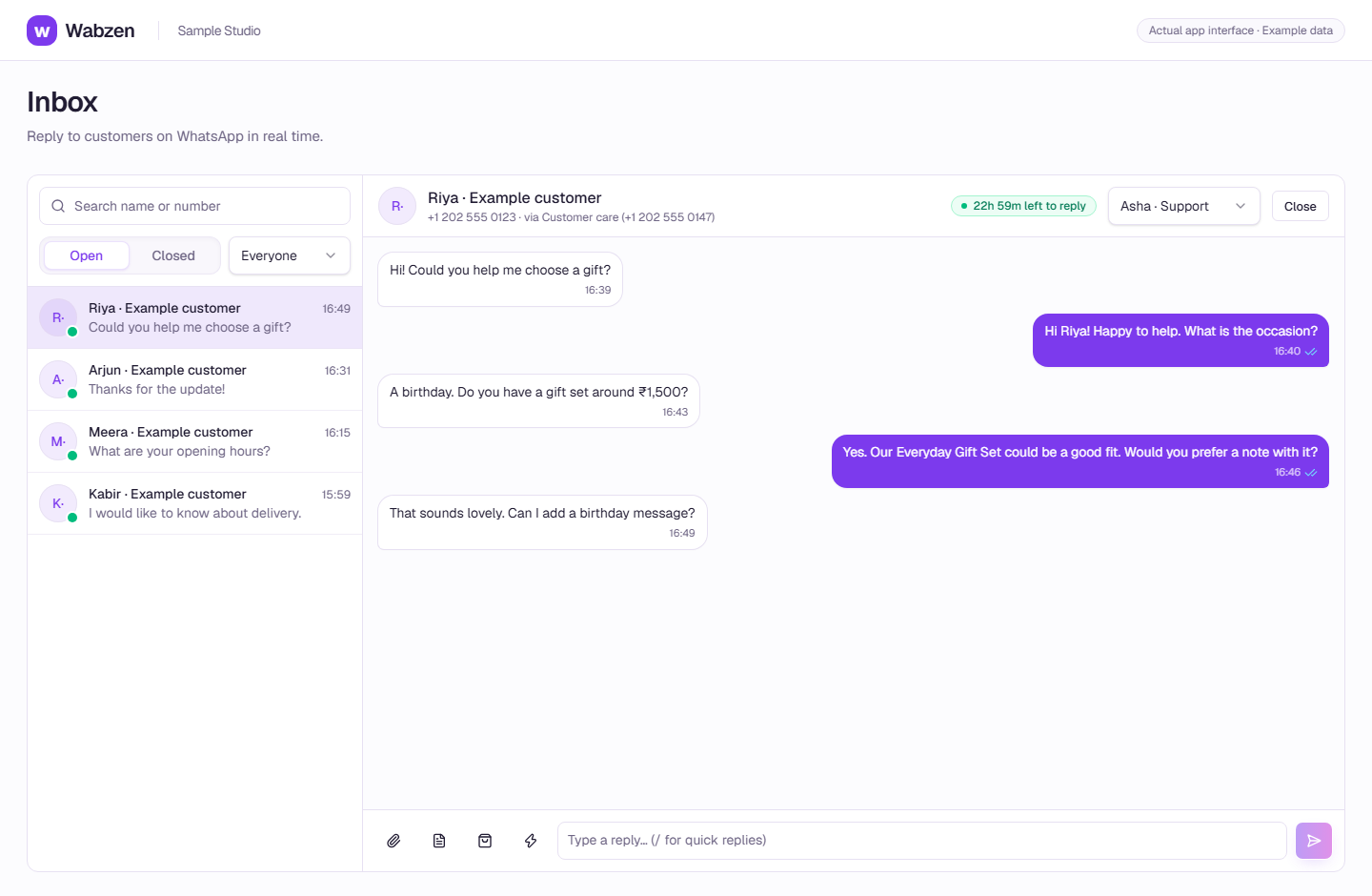
The shared inbox where your team continues customer conversations. Actual app interface with example data. Explore the walkthrough
What your team can do
Import supported customer lists and export contacts.
Use tags, filters and custom fields for useful context.
Record opt-in sources and respect opt-out requests.
How it works
A clear path from setup to action.
01
Add customer details
Create a contact or import a supported list with the consent information you have.
02
Organize your audience
Use tags and fields to find the right group.
03
Respect their choice
Keep permission records and let opted-out customers stay out of marketing sends.
Your questions
Good to know before you start.
Can I upload a purchased list?+
No. Only message customers who have agreed to receive the relevant WhatsApp messages from your business.
Bring your next conversation here.
Start with your own WhatsApp Business account and a plan that fits your team.