
Your WhatsApp workspace
A thoughtful follow-up, with a clear stopping point.
Schedule approved follow-up messages from a chatbot, with consent, reply and human-handover checks.
GrowthProAccount & setup requirements apply
A useful next step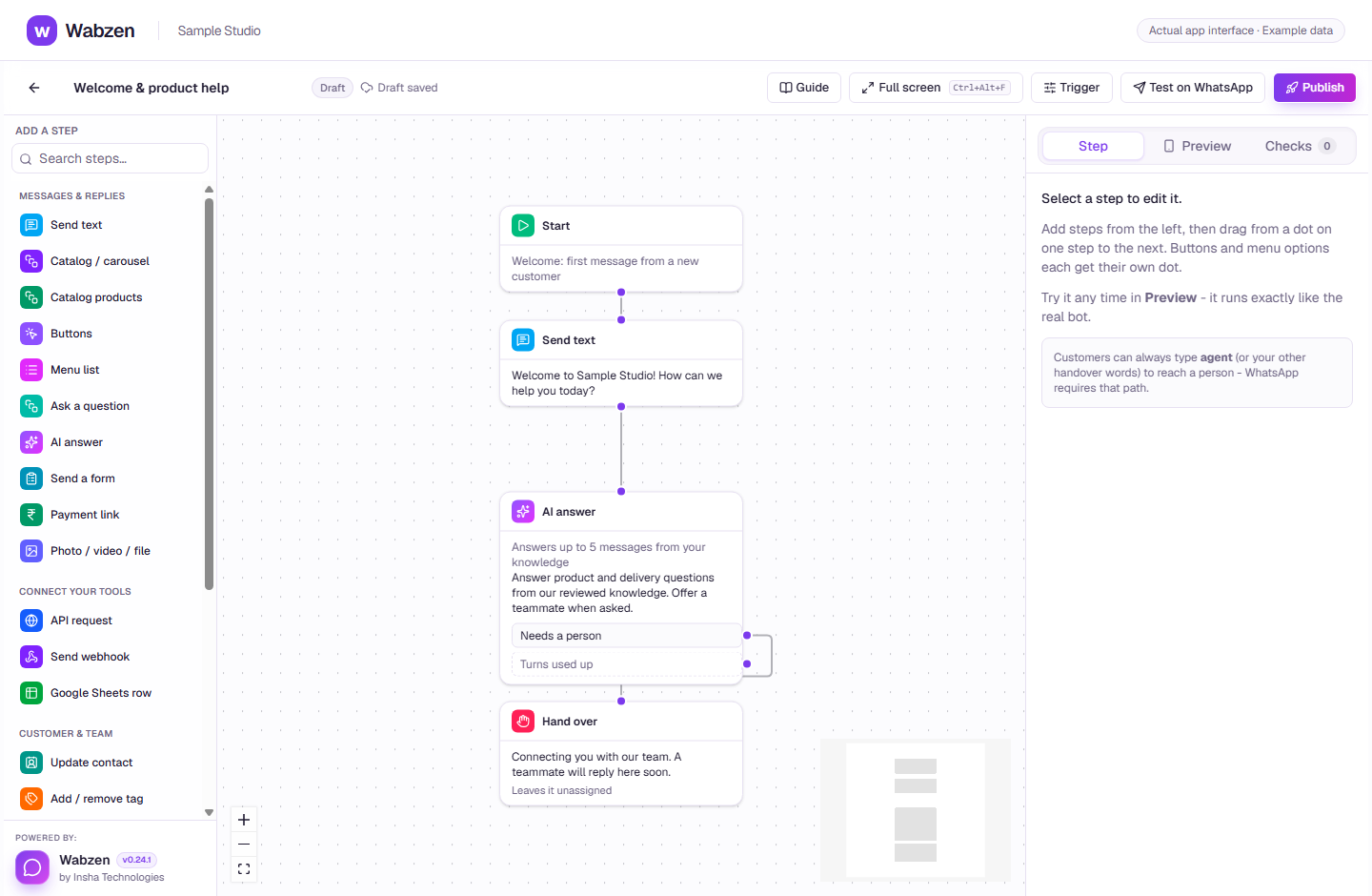
The visual builder where message, AI, form and integration steps connect. Actual app interface with example data. Explore the walkthrough
What your team can do
Add delayed template steps to a published chatbot journey.
Personalize the approved message with the details already collected.
Stop when the customer replies, opts out, the chat closes or a teammate takes over.
How it works
A clear path from setup to action.
01
Prepare an approved message
Use an eligible marketing or utility template and an opted-in contact.
02
Add the follow-up step
Choose the delays and template values in the flow builder, then publish the journey.
03
Review active follow-ups
Check the Automation follow-up list. Eligibility is checked again before each send.
Your questions
Good to know before you start.
Does a scheduled follow-up always send?+
No. Customer replies, opt-outs, handover, a closed conversation, a paused flow, an unavailable number or an inactive plan can stop it.
Can a follow-up bypass the customer reply window?+
Use an approved template and follow the applicable consent, account and billing requirements. Scheduling does not remove those requirements.
Bring your next conversation here.
Start with your own WhatsApp Business account and a plan that fits your team.