
Connect your tools
Request a payment without losing the conversation
Use your own Razorpay account to create payment links and receive confirmation in the workspace.
GrowthProAccount & setup requirements apply
A useful next step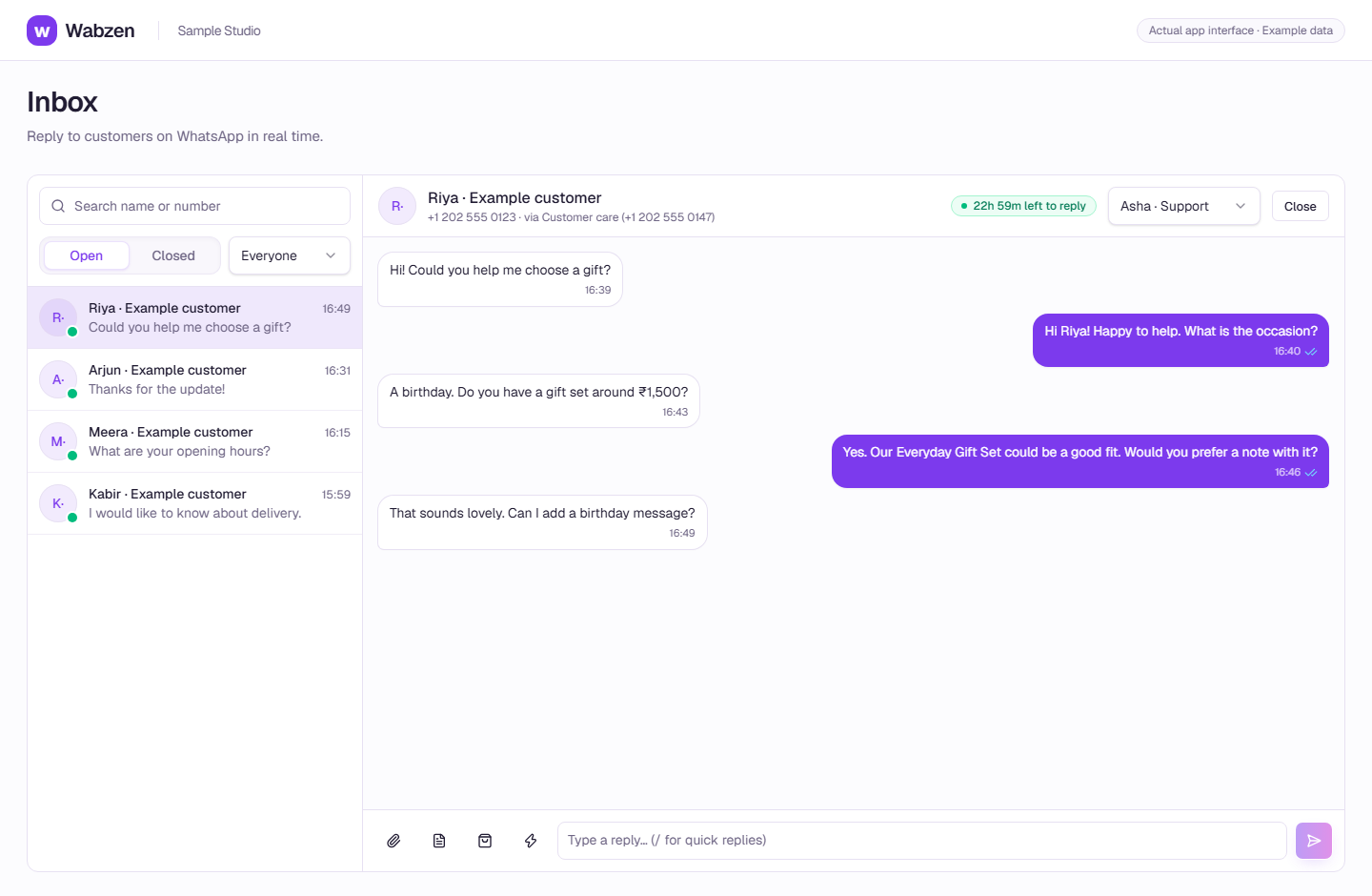
The shared inbox where your team continues customer conversations. Actual app interface with example data. Explore the walkthrough
What your team can do
Your business receives the customer payment.
Request a link from the inbox or chatbot.
Follow paid, cancelled and expired outcomes.
How it works
A clear path from setup to action.
01
Connect Razorpay
Use keys from your own eligible Razorpay account.
02
Configure the webhook
Add the supplied URL, secret and payment-link events in Razorpay.
03
Send a request
Send a link within an eligible conversation and follow confirmation.
Your questions
Good to know before you start.
Are payment processing fees included?+
Your Razorpay agreement and processing fees are separate from the platform subscription and Meta usage.
Bring your next conversation here.
Start with your own WhatsApp Business account and a plan that fits your team.