
Connect your tools
Give every Shopify order a conversation
Connect your store, map approved messages and keep customers informed through supported order events.
GrowthProAccount & setup requirements apply
A useful next step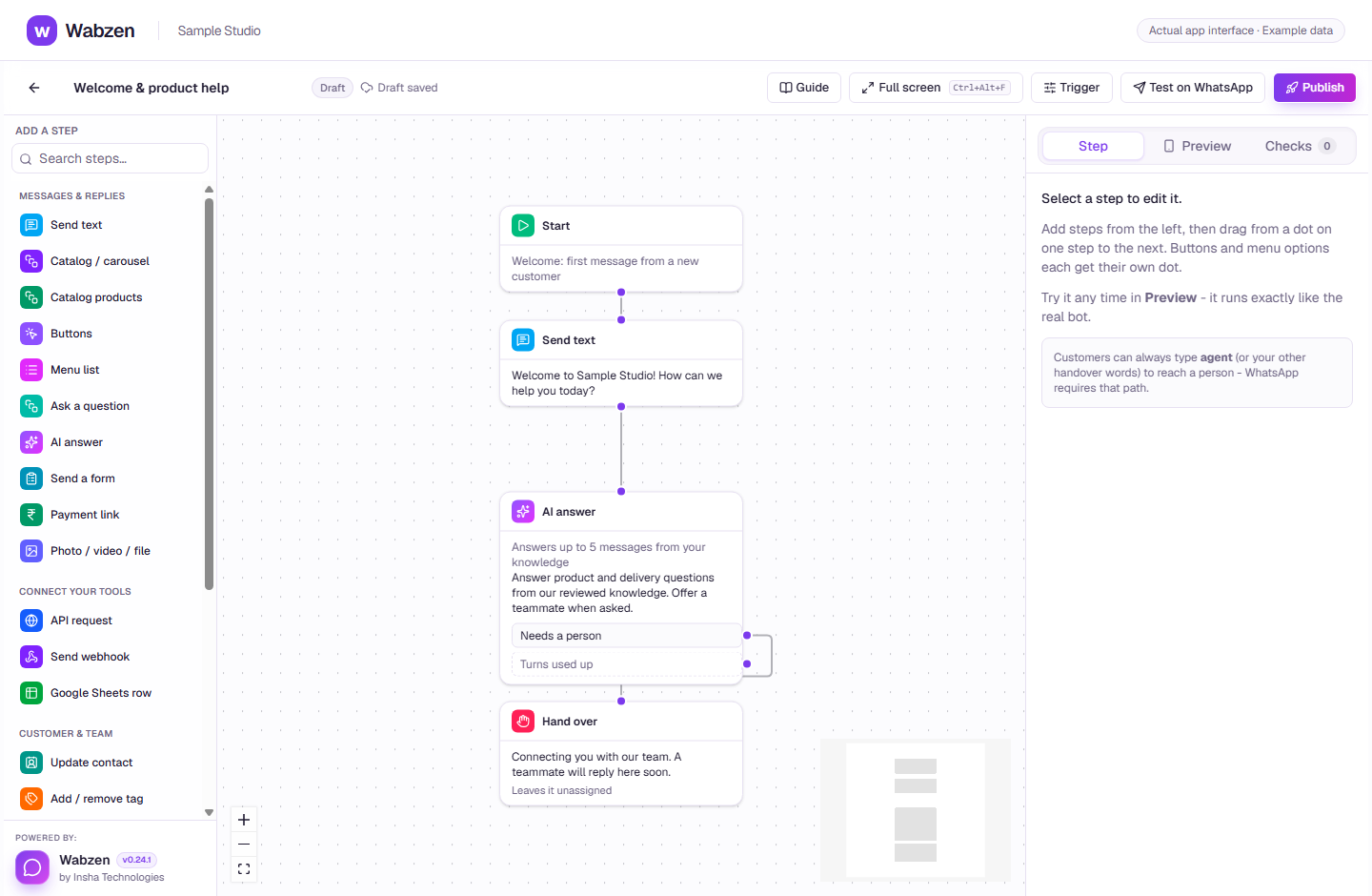
The visual builder where message, AI, form and integration steps connect. Actual app interface with example data. Explore the walkthrough
What your team can do
Order confirmations and shipping updates.
COD confirmation with supported order actions.
Opted-in abandoned-cart reminders where configured.
How it works
A clear path from setup to action.
01
Connect your store
Enter the store address in Integrations and complete the Shopify connection.
02
Map approved messages
Choose templates for each supported event and fill order values.
03
Place a test order
Check the event activity and customer conversation before enabling your workflow.
Your questions
Good to know before you start.
What must I prepare?+
An eligible Shopify store connection, customer consent and approved templates. Provider app configuration and permissions must be available.
Bring your next conversation here.
Start with your own WhatsApp Business account and a plan that fits your team.