
Your WhatsApp workspace
Know which conversations started with an ad
Capture ad-origin enquiries and report configured lead or purchase events back to Meta.
StarterGrowthProAccount & setup requirements apply
A useful next step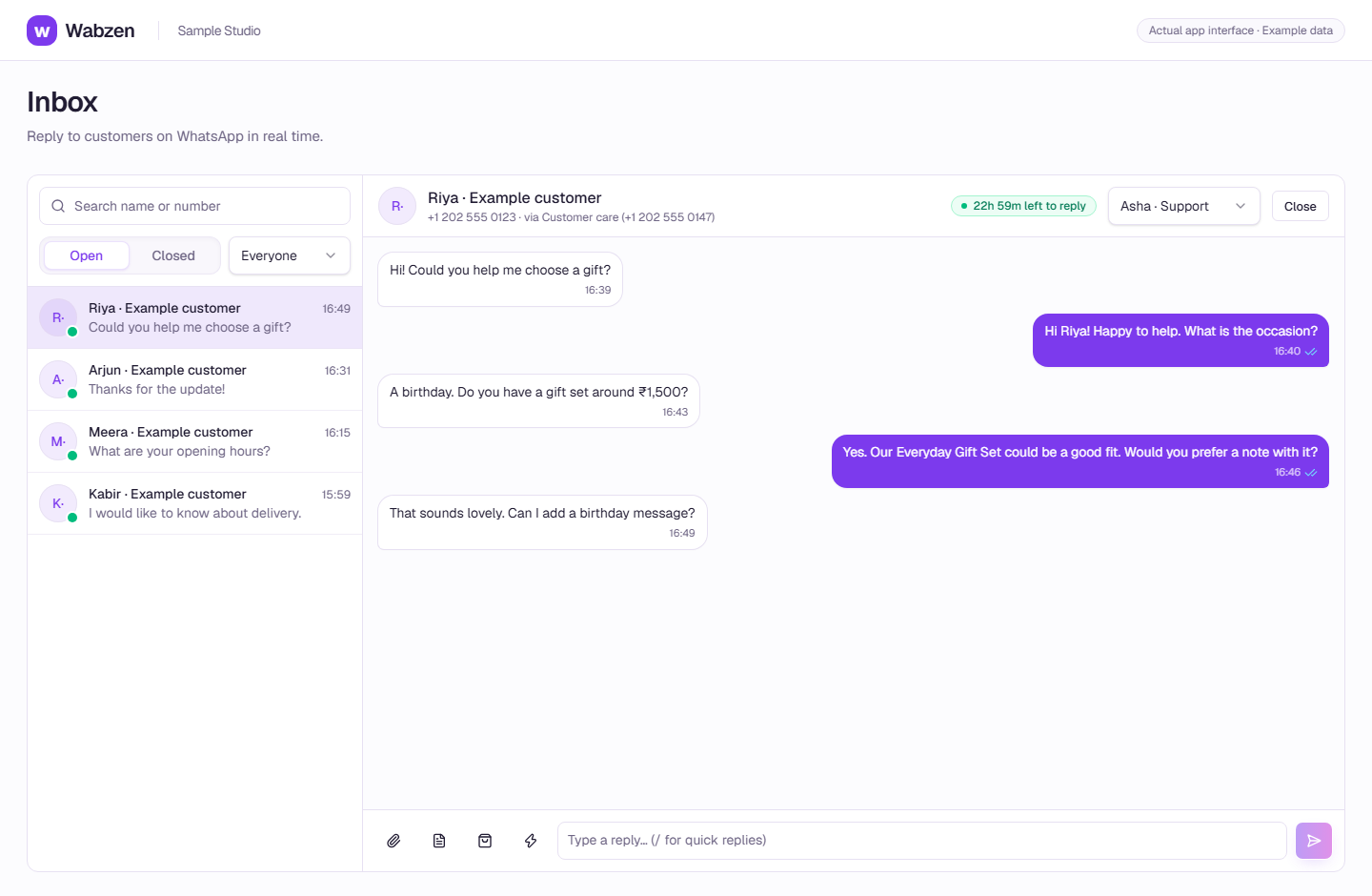
The shared inbox where your team continues customer conversations. Actual app interface with example data. Explore the walkthrough
What your team can do
See ad-origin context in customer conversations.
Filter customers by their ad source.
Configure conversion reporting to your Meta dataset.
How it works
A clear path from setup to action.
01
Run your ad in Meta
Create the campaign in Ads Manager and direct customers to WhatsApp.
02
Receive the enquiry
The workspace records the ad referral when Meta supplies it.
03
Connect conversion reporting
Configure the dataset and credentials, then check the event activity.
Your questions
Good to know before you start.
Can I build ads in this workspace?+
This feature captures attribution and reports conversions. Ad creation and campaign budgets stay in Meta Ads Manager.
Bring your next conversation here.
Start with your own WhatsApp Business account and a plan that fits your team.